Your living room, on one page

An open-source hub that runs on a computer in your home. Your phone talks to it; it talks to your TV, consoles and lights. Nothing goes through a cloud.

Tap the TV. Say "movie night". Pull the lamp's plug and see what the hub does.

Try the living room

Living room

Simulated hub
  • Living room TVOff
  • SwitchOff · assumed
  • Switch 2Off · assumed
  • Floor lampOn · 60%
Scenes
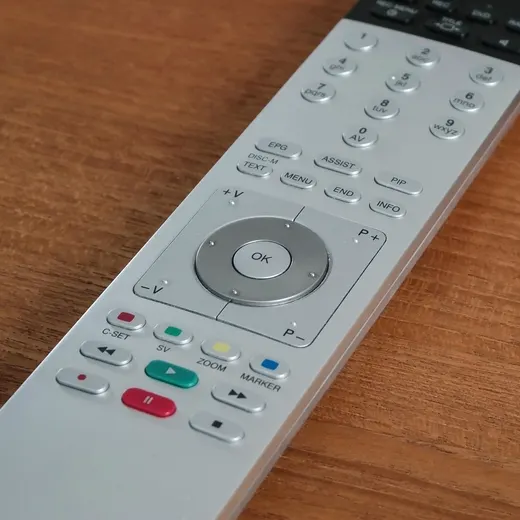
The round direction pad of a TV remote control, on a wooden table

Why it works this way

It answers in the time of a tap

Volume on a real Android TV, confirmed by the TV itself: 51 ms median, 64 ms for 95 of 100 presses.

How it works

  1. First, run the hub at home.

    git clone https://github.com/Dr4wOne/dr4w-home
    cd dr4w-home && docker compose up -d

    The hub starts on your home network and serves the app to your phone.

  2. Then pair your TV.

    pnpm --filter @dr4w-home/hub cli pair <tv-ip>

    A six-character code appears on the TV. Type it once; the hub remembers the TV.

  3. Then open it on your phone.

    sudo tailscale serve --bg 8790
    pnpm --filter @dr4w-home/hub cli link

    Scan the code with your phone and add the page to your Home Screen. It opens like an app, at home or away through your VPN.

How the parts connectYour phone: The web app, from your Home Screen. Private VPN: Only when you are away. The hub: A computer at home: adapters, scenes, state. TV: Android TV Remote protocol. Consoles: Through the TV over HDMI-CEC (planned). Lights: Adapter of your choice.Your phoneFrom your Home ScreenPrivate VPNOnly when you are awayThe hubAdapters, scenes, stateTVAndroid TV Remote protocolConsolesThrough the TV over HDMI-CEC (planned)LightsAdapter of your choice
The phone only ever talks to the hub. The hub talks to each device in its own protocol, on your home network.

What it works with today

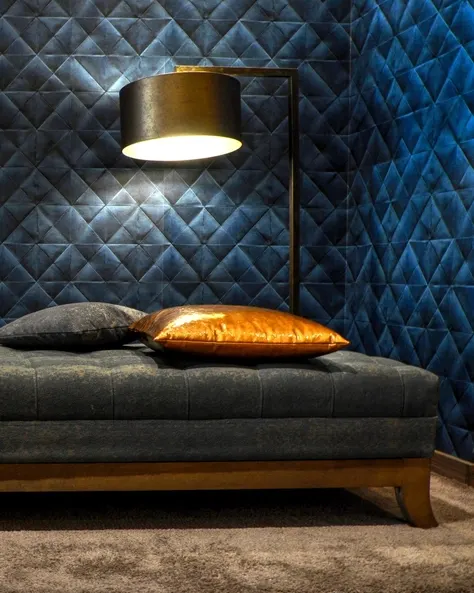
A floor lamp lit above a low sofa against a dark blue quilted wall
Compatibility
DeviceWhat worksStatus
Android TV and Google TVTested on a Philips Android TV: power, volume, mute, navigation, appsWorks
Nintendo SwitchWake and input through the TV; controller from the phonePlanned
Nintendo Switch 2Verified separately from the SwitchPlanned
Your deviceFollow the recipe; the demo fan is the worked exampleAdd it

Connect your own

Bring your own TV, it takes about thirty minutes. The quickstart starts with demo mode, so you can try everything before connecting a device.

Add your first device

Start with

Runs on simulated devices first. No hardware needed.